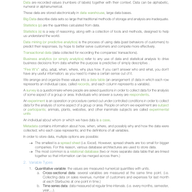
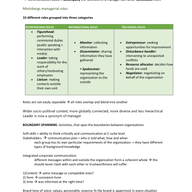
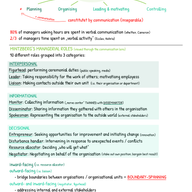
Your study notes look like scraps of paper? Well, with this guide you can change that. Obviously, nobody expects you to create an artwork for all of your study notes but a little bit of structure won't hurt - we promise.
Just follow these steps to pimp up your notes and you're good to go!
How to take notes using the Cornell Method
First, you have to be conscious about how you want to structure your documents. If you're a fan of digital notes, you might have more possibilities regarding efficiency. However, hand-written notes are usually easier to memorize. The following tips are for both analog and digital devices.
Create a template
Digital templates are great for not having to format every single new document. Not only does this save time but also make your notes consistent. You don't even need fancy graphics for that (if you want to - feel free of course).
A system called 'Cornell Method' makes taking lecture notes ten times easier. Just take an entire page and split it into two columns. The left one should be a little smaller, than the right one. You can also leave some space at the bottom for summaries.
The left column should include the central topics and the right one is for relevant notes for these main points.
How to create your own simple Cornell template:
We have only included Word and Google Docs since the process is fairly similar in other applications.
Microsoft Word
Create a table with two columns.

To start taking notes with the Cornell Method, decrease the size of the left column. To do that, just drag the middle line to the left.
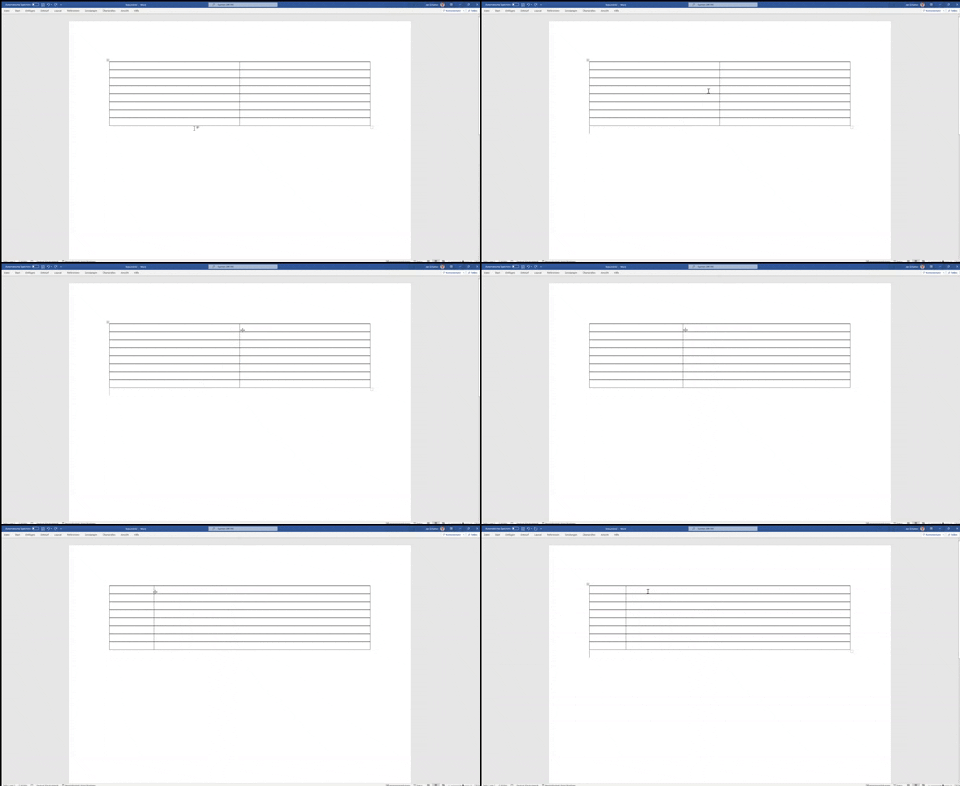
Now you can name both columns 'Topics' and 'Notes', colour them in and you're ready for your lectures.

To save this document as a template, select 'Word Template' while saving.

Google Docs
The process here is almost identical, with a minor difference. You can't save documents directly as templates in Google Docs. As soon as you have created your template document, save it as e.g. 'Study Notes Template'. Before starting to take notes during the lecture, select 'Make a copy' and name it after each lecture.

As you can see, you don't really need to download fancy templates to start taking notes effectively.
If you prefer paper notes or if you use apps such as GoodNotes or Evernote, you can easily create such tables by hand.

Don't transcribe your lectures
A great template is only half the battle. Obviously, the content of your notes defines their quality. If you have ever been to a lecture (which would be a great start) you know that taking notes generally can be pretty tough. A useful skill could be to work with bullet points or abbreviations. If you are a visual learner, arrows or other symbols can be super beneficial as well.
Follow up on your lecture
If you really want to fully commit to being most efficient, following up on your lecture is essential. We know, it's super annoying but ideally you want to...
- Double check all your notes with the script or presentation slides
- Answer open questions
- Create or complete your study documents
Optimal study documents combine both your lecture notes as well as in-depth summaries, definitions or illustrations.

Conclusion
Efficient study documents combine clear notes from your lectures and comprehensive but in-depth study sheets. Everyone structures them differently. You probably prefer your own methods which is why it's important to find your individual structure. The tips above are a good foundation for you to start on.
Notes = Rewards??
With Studydrive you can even make more out of your notes by e.g. simply uploading them. All of these rewards are just a couple clicks away!
Check out how it works!