Study Lists

What is a Study List?
A Study List is a feature that allows you to organize and save study resources for your courses or exams.
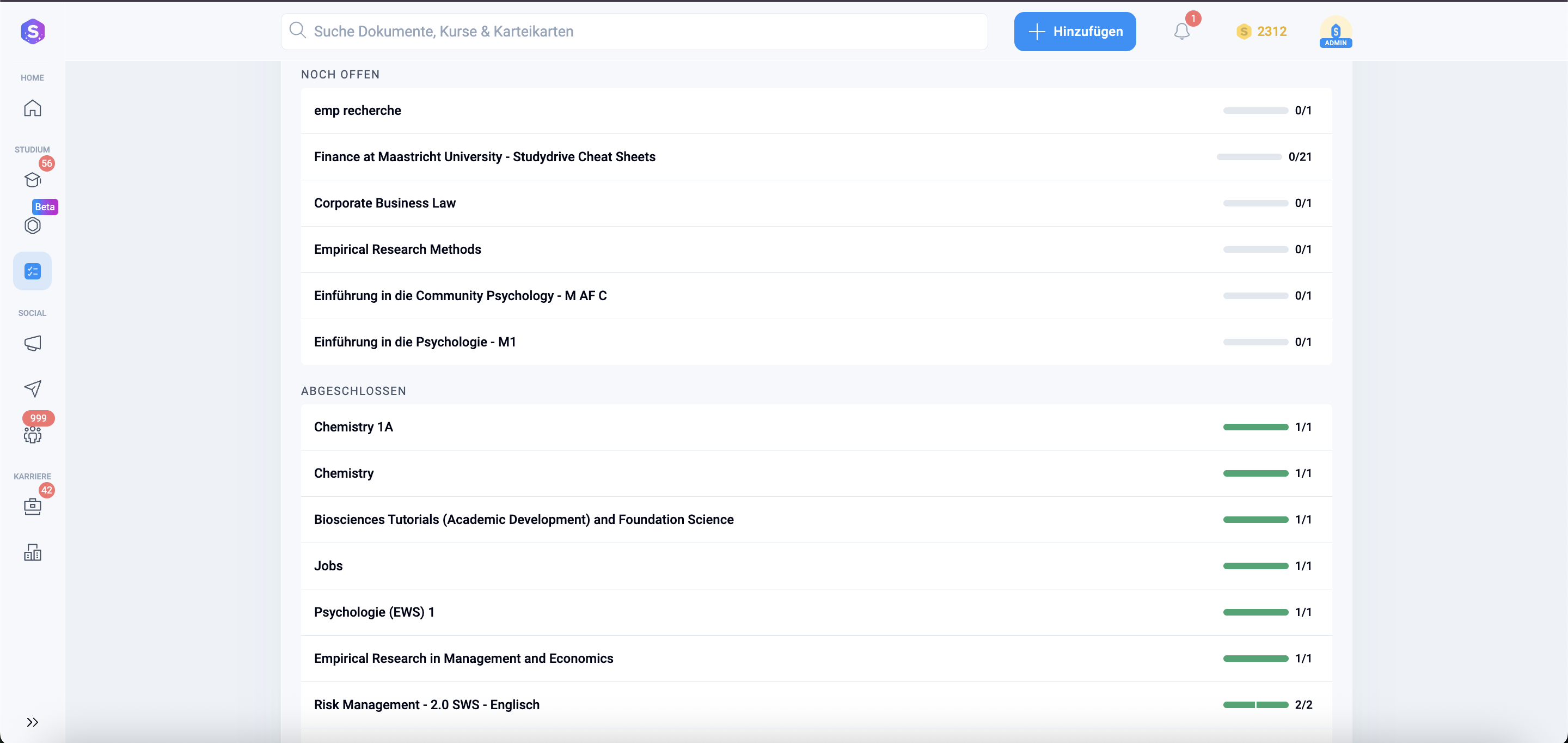
It is a personalized, customisable folder where you can collect all the relevant documents, notes, summaries, and past exams you need for a specific topic or test. You can add and remove multiple documents to a Study List, mark it as completed, remove it, and use it to track general progress.
Key Benefits
- Organization: It helps you stay organized by creating custom lists (e.g., "Finals Week," "Statistics 101," "Marketing Case Studies") so you never lose track of important materials.
- Easy Access: You can quickly find the documents you need without having to search through individual course pages.
- Progress Tracking: You can often mark documents within your Study List as "completed" to track your revision progress.
- Saving AI Content: If AI-generated flashcards and summaries are delayed in processing, you can save them to an existing or new Study List to review later.
You save a document to a Study List by clicking on the designated "Save to Study Lists" icon when you are viewing the document.
Studydrive - your Companion for Studying
With Studydrive, you're always well prepared for your studies! Exchange ideas with other students, get peer-to-peer support for any questions you may have, don't miss anything shared between your classmates in the course, and find helpful study materials.